WSL Proxy WAF: Explainable Web Application Firewall at the Edge
Live policies, stages and signatures on Workstation WSL Proxy — monitor or block, with support IDs on every decision
 Balinder Walia2026年9月16日3 min read
Workstation WSL Proxy puts a governed Web Application Firewall on the same live-config edge that routes and caches your traffic. Policies bind per domain and route, run in monitor or block, and every decision names a support ID. Companion deep dive: long article. Product: /wsl-proxy.
Watch: WSL Proxy WAF tour
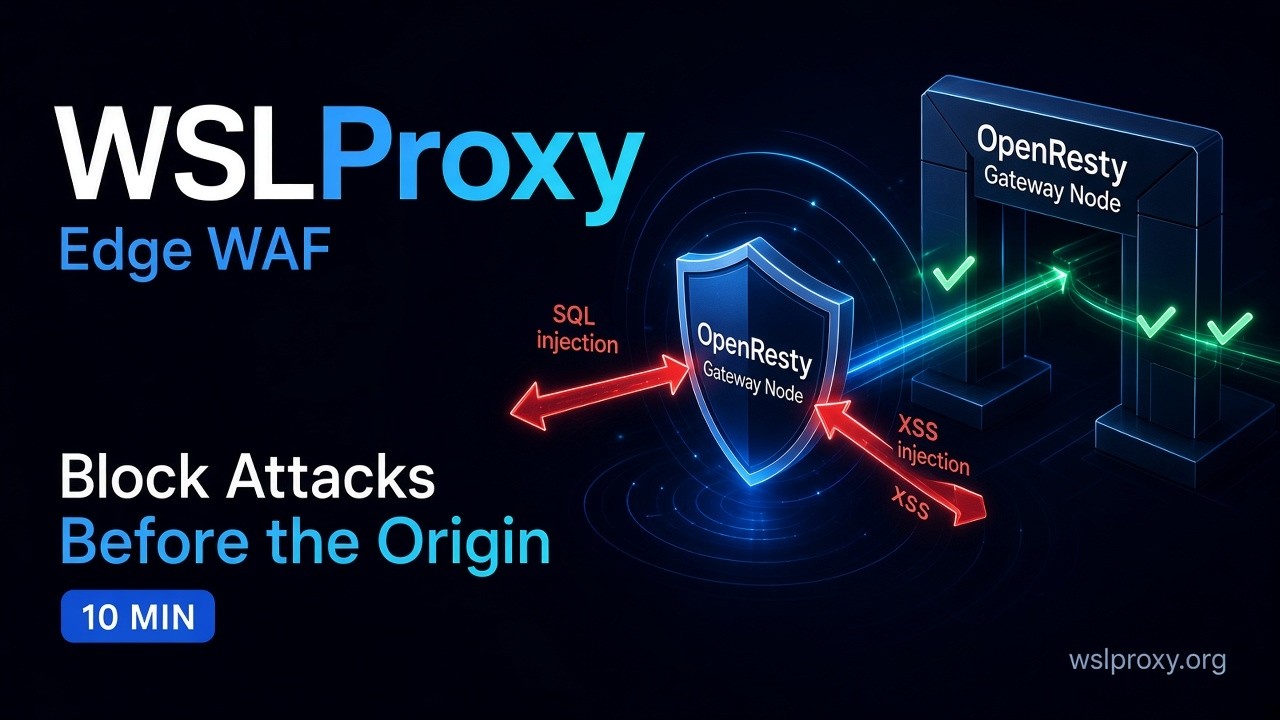
Watch: youtu.be/r10XSonA5JE · Product: wslproxy.org · WAF: wslproxy.org/waf
X-WAF-* headers plus an X-Support-ID when it blocks.
The problem with opaque edge security
Most teams still protect APIs with a static nginx snippet, a shared ModSecurity pack nobody owns, or a cloud checkbox they cannot tune per route. When something breaks at 2 a.m., the ticket says “403 from the edge” with no policy name, no binding, and no safe way to dry-run a change. Reloading the whole POP for every rule change makes security and platform teams fight over the same config file.
Workstation WSL Proxy treats the edge as a product: live JSON and MCP configs for day-to-day routing and WAF, with nginx reloads reserved for listen and SSL changes. Security becomes operable — not a frozen regex list.
Where WAF sits in the pipeline
A request hits a POP. OpenResty accepts TLS and enters the Lua hot path. gateway_ack.lua matches a routing rule. The gateway pipeline then runs rate limits, then the WAF engine, then the response action and balancer. Typical outcomes include reverse-proxy to an upstream, redirect, static HTML, CAPTCHA challenge, or a 403 WAF block with support headers.
Inside the engine the order is fixed: load the policy, resolve the winning binding, run first-class stages, then governed signature matching and anomaly scoring. Each stage is fail-open under protected execution so an internal error logs and allows the request rather than blacking out the site.
What you get today
- Policy packs bound per virtual host, with route and server overrides for monitor vs block.
- Eight first-class stages before signatures: method allow-list, filetype deny, HTTP smuggling/desync, IP and geo deny, JWT algorithm policy, JSON depth/size, brute-force velocity, and OpenAPI positive security.
- Governed signatures with stable IDs (SQLi, XSS, command injection, LFI, SSRF, SSTI, XXE, Log4Shell, Spring4Shell, JWT none, GraphQL introspection, scanner UAs, and related categories), plus disable / stage / set toggles and an anomaly threshold.
- Explainable blocks:
X-WAF-Block,X-WAF-Rule,X-WAF-Violation,X-Support-ID. - Layered edge controls on the same POP: per-server rate limit, CAPTCHA (rule status 306), JWT / S3 / cookie rule matches, and geo/IP routing rules independent of WAF stages.
- Control plane: Admin UI, Swagger REST, MCP tools for Claude/Cursor, and
wslproxy-clipull/push forwaf_rulesandwaf_policies.
Monitor first, then stage, then block
Binding precedence is deliberate: route override wins over per-server override, which wins over the policy default. That lets /preview stay in transparent (monitor/alarm) mode while /api/pay blocks. Signature stage windows alarm only until a timestamp and do not inflate the anomaly score — a safe rollout path before you flip a set to block.
Start in monitor on a staging POP or a low-risk path. Read structured wafsec logs and the events API. Promote sets when the noise is understood. Do not flip production to block without a soak.
Who it is for
Platform, SRE, and security teams who already run OpenResty or need an API gateway and CDN edge that security can actually operate. It is also for teams bringing AI agents to the same edge: MCP tools can already configure and inspect WSLProxy, while Agents Gateway and MCP Gateway integrations remain labelled in progress on the product page — not claimed as live WAF features.
Where to start
- Watch the tour above, then open wslproxy.org/waf.
- Read the technical article for stages, headers, and rollout practice.
- Explore the product overview at /wsl-proxy and the general intro at wslproxy.org.
- Engine deep dive: WAF Engine v2 blog · Engine v2 article.
Published by Workstation.
Product site: https://wslproxy.org · WAF: https://wslproxy.org/waf/