 Balinder Walia
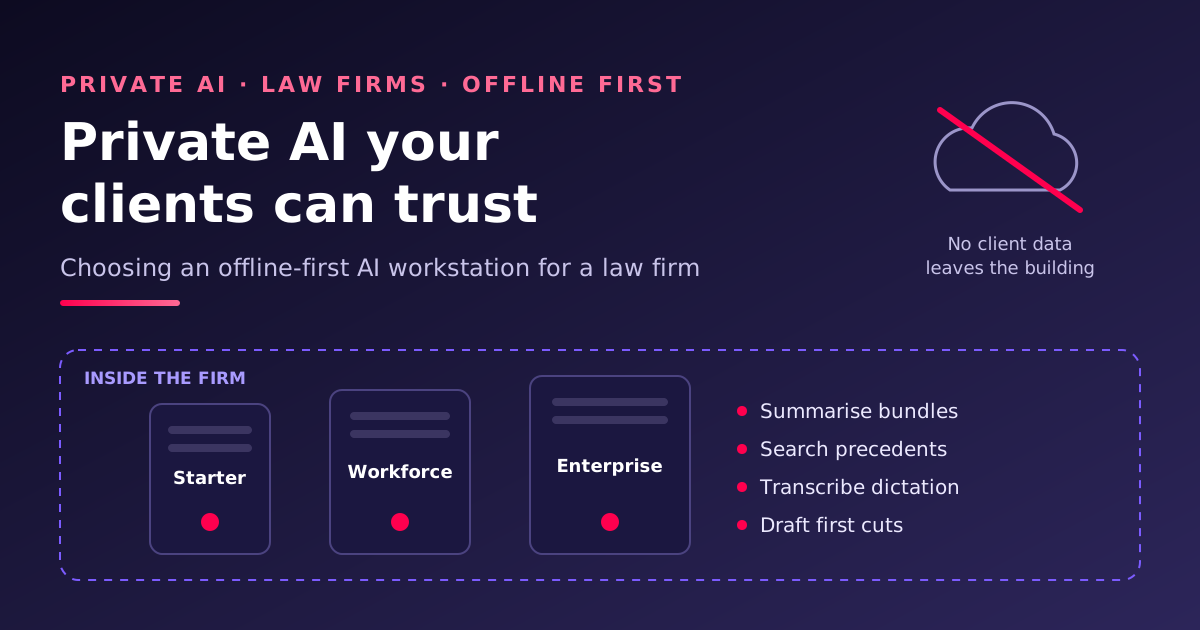
Law firms want the speed of generative AI without sending privileged documents to someone else's cloud. This post follows a real enquiry from a legal-technology provider building a private-AI service for law firms, from the first specification to the machine we would actually ship. We use real prices from a real quote, show where it was over-specified, and explain the decisions in the order a managing partner, COO or IT lead will face them. Engineers who want the VRAM maths, the encryption design and the staging checklist should read the technical article.
Interactive version: answer five questions about your firm and see which machine fits, with the memory maths shown.

Why law firms are bringing AI in-house
Client confidentiality is not a preference in legal practice. It is a professional duty. In England and Wales the SRA Code of Conduct requires solicitors to keep clients' affairs confidential, the Law Society's guidance on generative AI tells firms to understand where client data goes before using a tool, and UK GDPR applies to every personal detail in a bundle. In the United States, ABA Formal Opinion 512 makes the same point about the duty of confidentiality under Model Rule 1.6. Firms in other jurisdictions face similar rules and similar client questionnaires.
Cloud AI services can be configured to be acceptable, and many firms use them. But three things keep coming up in conversations with London and regional firms:
- Clients ask. Panel reviews and outside-counsel guidelines increasingly ask where documents are processed and whether they are used for training. "On a machine in our office, with no internet connection" is the shortest possible answer.
- Privilege and information barriers. A firm-wide AI index that mixes matters can undermine an ethical wall. A local system can enforce matter-level permissions the firm controls and audits.
- Ransomware. Law firms are a favoured target because they hold valuable data and face deadlines. A machine with no route to the internet removes a large part of that risk.
The enquiry: three standard machines, offline first
The provider wanted three standard, customer-owned x86 workstations they could sell repeatedly to firms of different sizes, each running Ubuntu 24.04 LTS Server and their own private-AI application. Offline-first was the central requirement: staff use the AI over the office network, and the machine needs no permanent internet connection.
| Tier | Who it is for | Proposed hardware | Working sizing |
|---|---|---|---|
| Starter | Sole practitioners and small practices | 8-core CPU, RTX PRO 4000 Blackwell 24 GB, 32 GB RAM, one 4 TB NVMe | About 10 named users, 2–3 requests at once, 8–14B models |
| Workforce | Mid-sized firms and busy departments | 16-core CPU, RTX PRO 5000 Blackwell 48 GB, 64 GB RAM, two 4 TB NVMe mirrored | About 25 users, 4–6 at once, up to 32B models |
| Enterprise | Larger firms, litigation and disclosure teams | 16–24-core Threadripper PRO or Xeon W, RTX PRO 6000 Blackwell 96 GB, 128 GB ECC, two 4 TB NVMe mirrored | 25–50 users, 8–12 at once, 70B models |
They asked us to challenge anything over- or under-specified, to say what needs internet activation, how to protect the machine from an infected office PC, how backup and recovery should work, and who does the setup.
The first quote, and why we did not stop there
We priced three systems from our UK build partner as a first pass. They are real, buildable configurations at today's prices, and they are now in our shop so anyone can see the full specification:
| Quoted system | Key parts | Price (ex VAT) |
|---|---|---|
| Thinkmate VSX WE45-1T08 ("Starter") | 16-core AMD EPYC 4565P, 256 GB DDR5, RTX PRO 5000 Blackwell 72 GB, 1 TB + 3.84 TB NVMe, UPS | £19,334.30 |
| Thinkmate VSX WE95-1T08 ("Workforce") | 48-core EPYC 9455P, 512 GB ECC, 2× RTX PRO 5000 Blackwell 72 GB, 1 TB + 7.68 TB NVMe, UPS | £59,574.35 |
| Supermicro AS-5126GS-TNRT2 (firm-wide server) | 2× 64-core EPYC 9555, 1.5 TB ECC, 4× RTX PRO 6000 Blackwell Server Edition, dual 100GbE | £177,485.74 |
Prices are at November 2026, ex VAT and delivery, and move with the GPU market. Search the shop for WSL- to find them, or ask the AI sales engineer to build a quote from one.
Each of these machines is excellent. Each is also more than the stated workload needs. The quoted "Starter" has three times the GPU memory and eight times the system memory of the brief, and costs accordingly. That is a common pattern: a first quote is built to be safe, not to be efficient. For a product that will be sold many times, the useful work is pulling it back to what the firm will actually use, without cutting what keeps it reliable.
How to choose: five decisions, in order
1. How many people will use it at the same time?
Named users matter less than concurrent requests. A practice of ten fee earners rarely has more than two or three people waiting on the AI at the same moment. That number, together with how long the documents are, decides how much GPU memory you need beyond the model itself. Count peak-hour use, not headcount.
2. How large a model do you need?
For summarising, clause extraction, search across a precedent bank and drafting first cuts of routine letters, modern 8–14B models are good and fast. 32B models handle longer, messier documents and multi-step reasoning noticeably better. 70B-class models are worth it for complex analysis across large disclosure sets. Most firms start with a 14B or 32B model and keep a smaller one for speed.
3. How much GPU memory does that need?
This is where most money is won or lost. GPU memory holds the model plus a working area for every request in flight. Our technical article shows the arithmetic; the short version:
- 24 GB (RTX PRO 4000) runs a 14B model for 2–3 people. Add live transcription and it gets tight, so the 32 GB RTX PRO 4500 is the comfortable Starter.
- 48 GB (RTX PRO 5000) runs a 32B model for 4–6 people with room for transcription and search.
- 96 GB (RTX PRO 6000, or the quieter, 300 W Max-Q edition) runs a 70B model for 8–12 people.
- Several GPUs in a server only make sense for firm-wide use, or for several models serving different practice groups at once.
4. How isolated must it be?
We offer three levels, and each firm can pick by risk, not by fashion:
| Option | What it means | Suits |
|---|---|---|
| A. Protected local network (standard) | Staff reach it over a separate office network segment; no internet needed day to day; outbound traffic blocked; no cloud sync or telemetry; sign-in and local HTTPS | Most firms |
| B. Controlled maintenance | No permanent internet. Updates arrive through a time-limited, logged and verified process; documented incident isolation | Firms with demanding clients or regulated work |
| C. Air-gapped | No physical or logical path to any internet-connected network; all updates by controlled offline transfer; encrypted offline backups with tested restores | Sensitive litigation, investigations, government and defence work |
5. Who sets it up, and who supports it?
The machine is only half the product. The other half is a repeatable build: hardened Ubuntu, NVIDIA drivers, the AI runtime, the firm's chosen models, encryption, firewall rules, and a test that proves it works with the network cable unplugged.
What we would actually ship
| Starter | Workforce | Enterprise | |
|---|---|---|---|
| CPU | 8-core AMD Ryzen 7 9700X or EPYC 4345P | 16-core Ryzen 9 9950X or EPYC 4565P | 16-core Threadripper PRO 9955WX (or Xeon W) |
| GPU | RTX PRO 4500 Blackwell 32 GB (4000 24 GB if budget-led) | RTX PRO 5000 Blackwell 48 GB | RTX PRO 6000 Blackwell Max-Q 96 GB |
| Memory | 64 GB ECC | 128 GB ECC | 256 GB ECC |
| Storage | 2× 2 TB NVMe, mirrored | 2× 4 TB NVMe, mirrored | 2× 4 TB NVMe mirrored + a separate OS drive |
| Power | 1,500 VA 230 V line-interactive UPS | 1,500 VA 230 V managed UPS | 2,200 VA 230 V pure sine wave managed UPS |
Why these changes: memory went up on the smaller tiers (32 GB is too little to index documents and load models comfortably, and it costs little to fix), ECC became standard, the Starter gained a mirror because one drive is one failure from downtime, and the Enterprise GPU became the Max-Q edition, which gives up a little speed for half the power and much less heat and noise in an office. We would not cut the UPS, the ECC memory or the mirror. We would cut CPU cores: the AI work happens on the GPU, and a 16-core CPU is plenty even for 50 users.
How it works commercially
The provider asked the most practical question of all: who does what. This is the arrangement we recommend:
- The provider orders from Workstation, one standard build per tier, with a short order form for each end client (site, users, security option, models).
- We build and stage it in the UK: hardware burn-in, hardened Ubuntu 24.04 LTS, signed NVIDIA drivers, Docker and the agreed AI runtime, the provider's application installed from their checklist, approved models pre-loaded and checked against their published fingerprints, encryption and firewall configured.
- We prove it offline: boot, GPU, browser access, model answers and an orderly UPS shutdown and restart, all with the internet physically disconnected, and we hand over a signed test record.
- We ship directly to the law firm, sealed and tracked, with recovery keys sent separately.
- Support splits cleanly: hardware warranty and replacement parts through us (three-year return-to-base as standard, UK on-site options available), the application, its licences and day-to-day user support through the provider.
The application's configuration and licensing stay with the provider. We never need the provider's source code, only a repeatable install checklist and the licence details for each client.
What it costs, honestly
- Hardware is the largest part, and GPU choice dominates it. The quoted systems above show the top end; right-sized Starter and Workforce builds cost a fraction of them. Ask for current prices, because GPU pricing moves monthly.
- Staging is a fixed price per tier once the checklist is agreed. Option B adds a documented update process; option C adds offline transfer tooling, backup media and a witnessed restore test.
- Running costs are electricity (a Workforce machine draws around 500–700 W while answering and well under 150 W when idle) and an update visit or transfer every month or quarter, depending on the option.
Against that, there are no per-seat AI subscriptions, no per-page processing fees, and no client data leaving the firm.
Next steps
Try the interactive sizing guide: tell it your number of fee earners, the model you want and the isolation level, and it shows which machine fits and why. Then ask our AI sales engineer for a quote, or talk to us. We are happy to build a pilot for one practice group before you commit firm-wide.
This article is general technical and commercial information, not legal or regulatory advice. Check your own professional obligations and client terms before deploying AI on client matters.